A concrete task, not a generic editor
Preparing classroom material often means combining copy, images, shapes, fonts and print constraints. chicCanva makes this work more direct for people who do not use professional design software every day. Product decisions therefore start with the user’s real actions: compose, duplicate, align, save and print.
A complete working surface
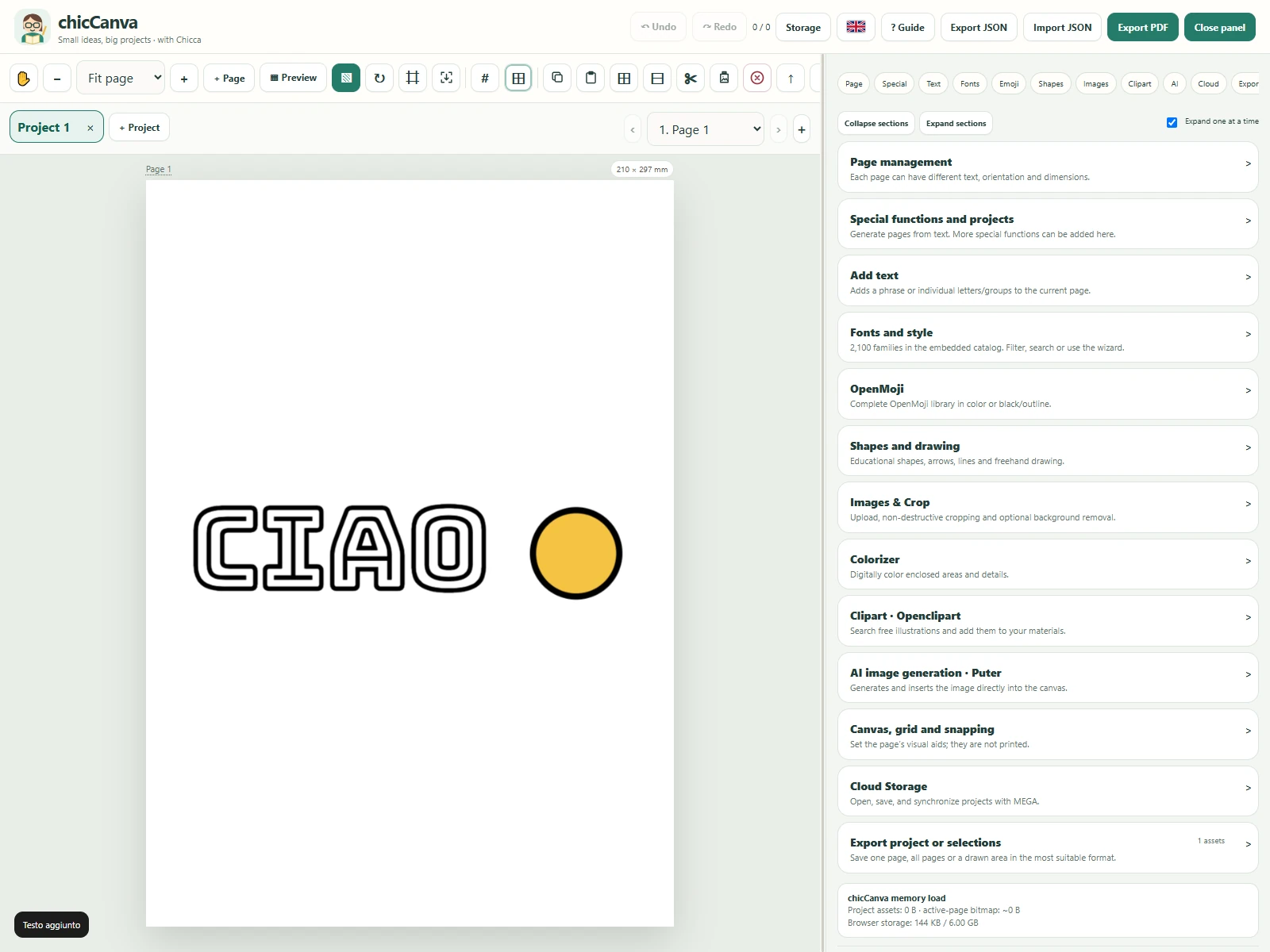
The project manages multiple documents and pages, millimetre-based sizes, drawing tools, crop and effects, font catalogues, OpenMoji and clipart. Canvas objects remain editable, supporting the path from an initial idea to classroom-ready material without flattening the project structure.
Assisted AI with visible choices
Image generation sits inside the working context. Prompt, model, provider and usage estimate remain visible before execution. AI supports creation without replacing editorial control: generated media enters the canvas and can be resized, combined with other elements or removed.
Portability and autonomy
Autosave and IndexedDB reduce dependence on an account or application server. Projects can be exported to JSON and reopened, while PDF, PNG and JPG cover print and sharing. The approach is also relevant to internal tools, configurators and vertical applications that benefit from a lightweight architecture.
Experimentation as Project360 capability
Project360 worked across the complete system: workflow definition, browser-first architecture, canvas interactions, local persistence, integration of AI services and external catalogues, export and PWA distribution. The experiment demonstrates product and full-stack frontend capability beyond the construction of a mock-up.
The same approach applies to configurators, document editors, learning tools, controlled content generators, operational applications and vertical MVPs. Project360 can start from the process, decide what runs locally and what belongs in cloud services, integrate APIs and AI, design portable output and move the prototype towards a production-ready release.